
Building a functional LAN
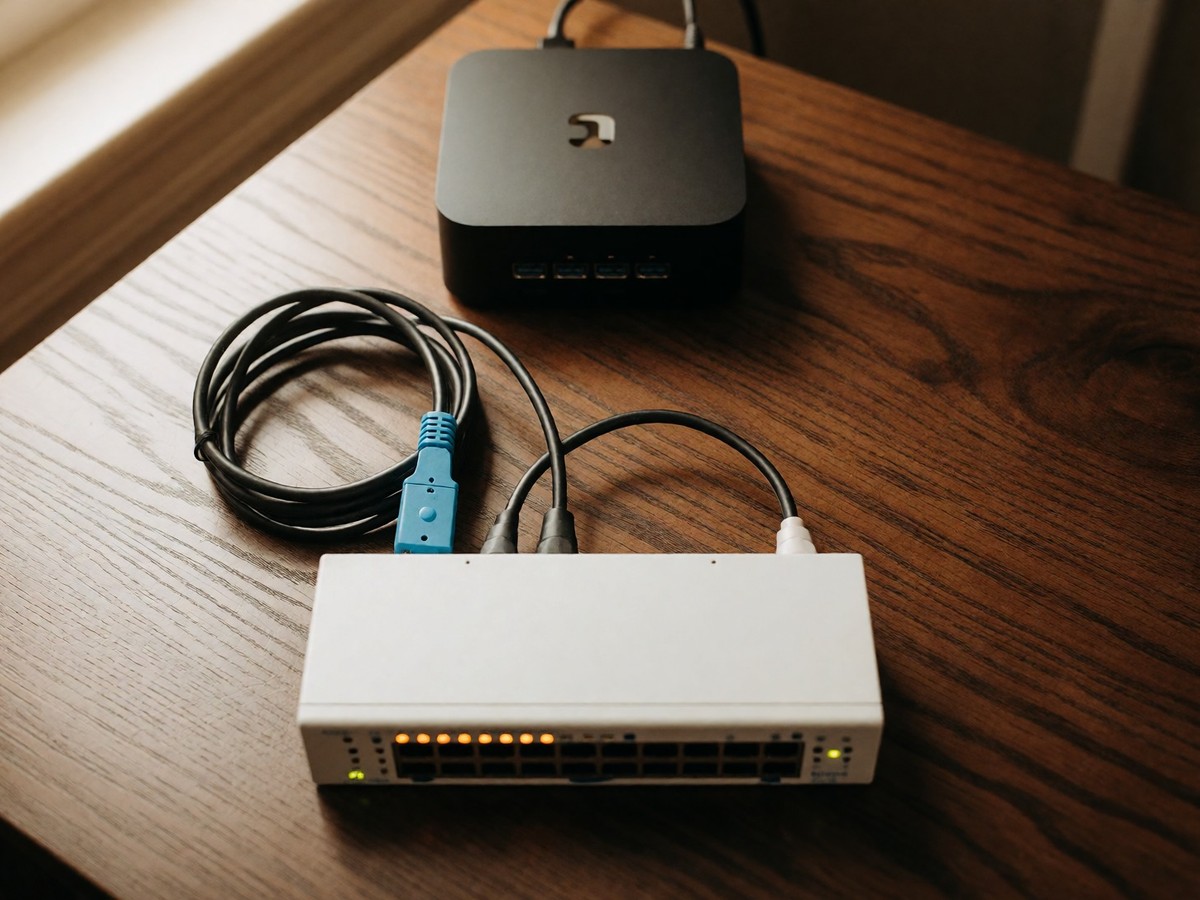
A $300 mini PC with an Intel N100 processor and 8GB of RAM keeps a home network alive when internet and cellular connections fail. I find that a local area network (LAN) functions entirely independently of the internet. Your Wi-Fi router maintains connections between devices even if your ISP fails because a LAN allows devices to communicate using private IP addresses without reaching an outside server. To begin, I connect a mini PC to a router with an Ethernet cable. I can add a cheap unmanaged switch if I need more Ethernet ports. This setup avoids the need for expensive hardware and allows a single machine to act as the brain of the operation.
I install Debian or Ubuntu Server on the mini PC to manage lightweight services. I recommend installing Debian or Ubuntu Server on the mini PC and assigning it a reserved address through the router’s DHCP settings so that you can always find the machine via a web browser or file manager without needing external DNS. The router handles DHCP to assign private IP addresses to all devices on the network. I ensure that no service requires cloud authentication to function. I check my phone settings to confirm it stays connected to Wi-Fi when the WAN goes down, as some phones may switch to cellular data when Wi-Fi lacks internet access. If your phone switches to cellular, you lose access to the local files and services on the mini PC.
| Hardware Component | Suggested Specification |
|---|---|
| Mini PC | Intel N100 with 8GB RAM |
| Operating System | Debian or Ubuntu Server |
| Network Expansion | Unmanaged switch |
| Backup Power | UPS or portable power station |
Offline services and power
The mini PC provides a private library of useful offline services. I use Samba to share files across the network and Jellyfin to stream movies and music that I have already downloaded. I also install Kiwix to host an offline copy of Wikipedia and other useful resources. For smart home devices, I run Home Assistant to control them locally. Since these services work without external servers or cloud storage, the sky, or rather your creativity, is the limit here. You can turn an old laptop into a useful home server since it does not take much to run these programs.
Power stability determines if this network survives a blackout. If the electricity fails alongside your internet, your mini PC and router will shut down. I plug the mini PC, router, switches, and access points into a UPS or a portable power station to prevent this. I ensure that every piece of networking equipment sips power from this backup source. This provides a single source of power for the entire offline grid and prevents a single point of failure from pulling the rest of the network down.
I test the entire setup before an actual outage occurs. I disconnect the router’s WAN cable to see if the local services remain accessible. I check if the phone still connects to Wi-Fi and if I can stream content through Jellyfin. I verify my access to the Samba file share. You must confirm the answer is yes to every question before you leave the network alone. Without this test, you might find your network is dead exactly when you need it.