
PCI passthrough enables direct USB-C access
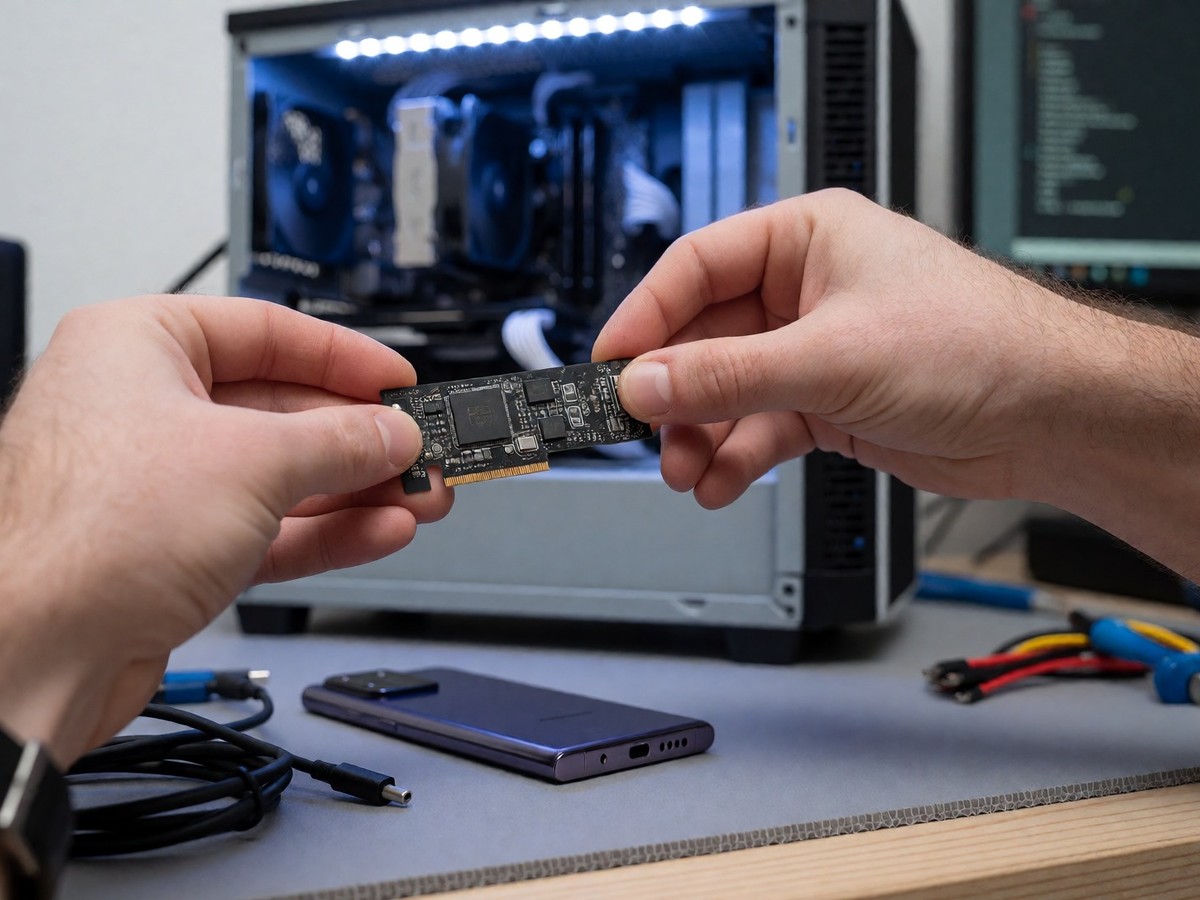
A Proxmox server user successfully assigned an ASMedia ASM1042A PCIe USB-C controller to a Windows 11 25H2 virtual machine using PCI passthrough. This method allows the Windows VM to take exclusive control of the physical host hardware. The server motherboard lacks an on-board USB-C header, so the front-panel USB-C port connects to a header on the ASMedia PCIe card. The user identified the hardware in the Proxmox host shell, which displayed four controllers in the command output. Three belonged to the motherboard’s Intel controllers, while the fourth was the ASMedia ASM1042A PCIe USB-C controller at PCI address 06:00.0 with hardware ID 1b21:1142. The user ran a command to check the Input - output memory management unit (IOMMU) group and found the only output was 000:06:00.0. This meant the card had the group to itself, allowing the Windows VM to take the device without taking another device along with it.
After selecting the Raw Device in the Proxmox Hardware menu, the Windows Device Manager listed an "ASMedia USB 3.0 eXtensible Host Controller" that matched the hardware ID 1b21:1142 found in the host shell. The user verified the connection. Testing began with a USB-C flash drive that appeared in File Explorer as drive F: and ejected normally. The user then tested a Samsung Galaxy Note 20 Ultra to transfer 200 GB of images. The phone and the ADB interface appear under the same USB Composite Device. Because the phone recently received a new ROM, the user had to toggle USB debugging on and off to make the authorization prompt appear on the device. Once authorized, the user ran .\adb.exe -d get-state in PowerShell to confirm the connection. The user then executed .\adb.exe -d shell screencap -p /sdcard/Download/screenshot.png and .\adb.exe -d pull /sdcard/Download/screenshot.png . to copy a screenshot from the phone to the Windows environment. This direct access worked successfully, allowing the user to move the PNG file to the flash drive via File Explorer.
| Component | Specification |
|---|---|
| Controller | ASMedia ASM1042A |
| Interface | PCIe |
| Transfer Speed | USB 3.2 Gen 1 (up to 5 Gbps) |
| Hardware ID | 1b21:1142 |
Hardware conflicts with future GPU plans
The hardware passthrough worked without issue, giving the Windows VM direct access to the front-panel port. This setup allows the user to keep the front port assigned to the Windows VM while the host retains control of three other USB controllers. The user plans to use the connection to copy photos from the Galaxy Note 20 Ultra into the VM for safe storage before importing them into a Noodle Gallery VM.
However, the project faces a physical limitation. The USB-C card occupies the only PCIe slot that fits a planned used Quadro RTX 5000 GPU. The user wants to acquire the Quadro card through a local e-waste auction to give a Linux VM its own GPU for working with a local LLM. If the user buys the GPU, the USB-C card must be removed to make room.