
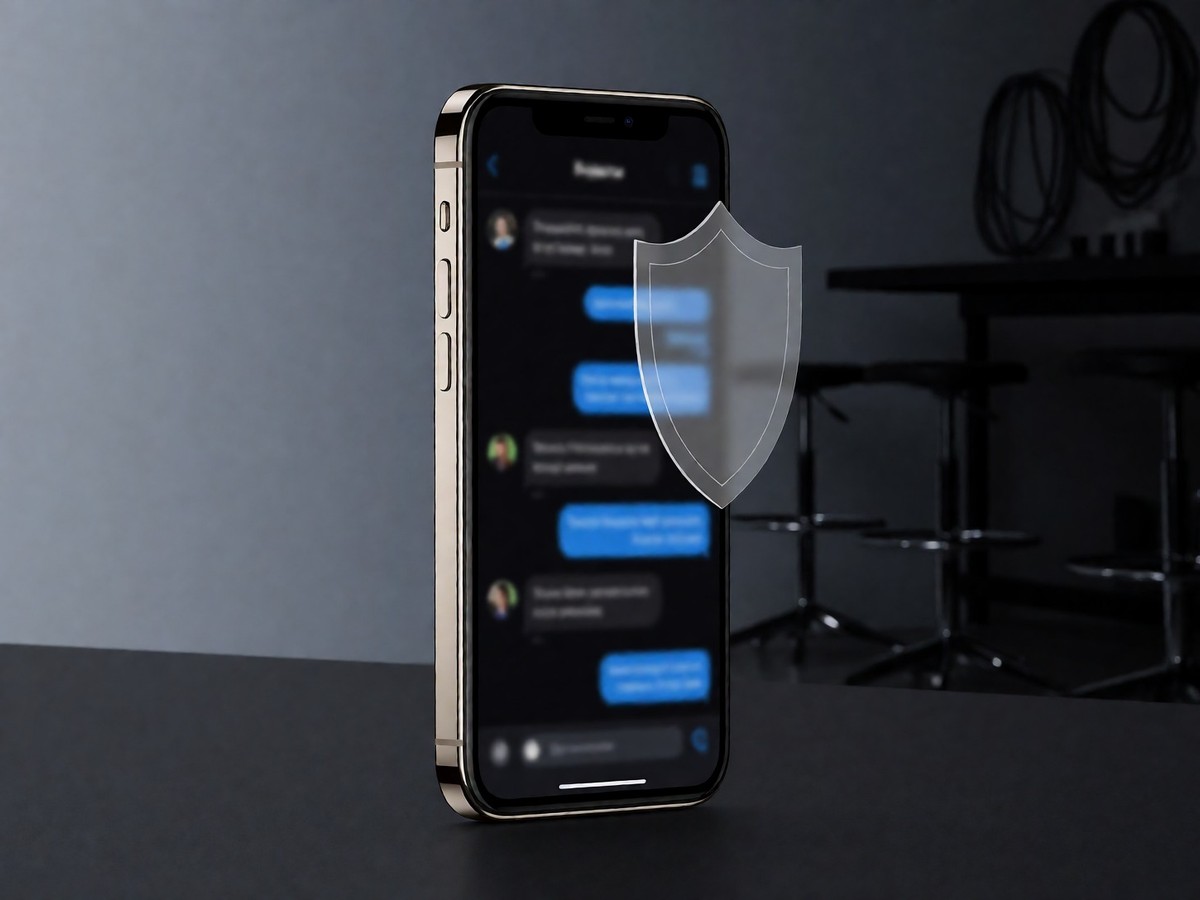
AI agents pose privacy risks
Signal is implementing new protections to stop AI assistants from reading chats on Android and iOS. President Meredith Whittaker calls the integration of agentic AI into operating systems an "existential threat" to user privacy. She says that by giving AI agents the power to scan screens, Windows, Android, and macOS and iOS undermine Signal’s ability to independently guarantee privacy. These OS-level tools, such as Siri’s Onscreen Awareness and Google’s Gemini Intelligence, can capture chat content as it appears on the screen and move sensitive data into local databases or remote servers. Whittaker says that in service of AI agentic capabilities, sensitive data is being captured, stored, and made accessible to whatever local database or remote server an OS-level AI agent is using at that moment. Signal engineers spent months using reverse engineering to find and block these extraction pathways. Whittaker explains that AI agents can access conversation data in multiple ways because they are now embedded deep in operating systems, which leaves apps vulnerable and with limited options for protecting users. Signal previously moved to block Windows 11 screenshots in May 2025 to counter Microsoft’s Recall feature. I find the macOS situation particularly problematic because Signal cannot provide screenshot-blocking protection there, so macOS 27 users must manually add the app to the Excluded Apps list under System Settings to block Siri.
Automatic protection and manual overrides
The new protections activate automatically when Signal detects an AI assistant attempting to access the screen on Android, but the iOS implementation prevents users from taking screenshots even for legitimate purposes. On Android, Signal automatically enables Screen Security when it detects an AI assistant attempting to access the screen. For iOS users, Signal recommends upgrading to the latest available version and checking Settings > App Security to confirm that Block Siri AI is enabled. I would note that users can disable the iOS screenshot restriction in Settings > App Security, but Whittaker says this would "break our privacy guarantees." Whittaker also admits this is an incomplete solution because it does not address other sneaky ways AI agents could potentially access application data. Signal calls on Apple, Google, and Microsoft to provide detailed documentation on all potential access mechanisms and create clear ways for developers to opt out of AI access across screens, files, notifications, and APIs.